9 Best Federal Contracting Tools for 2026
A security-services contractor can lose half a day on the wrong first move. One person is deciding whether the company belongs under guard services, electronic security systems, cybersecurity, or security-equipment manufacturing, while another is trying to keep SAM data clean enough that the team can see the right set-asides and alerts. That is where NAICS, the North American Industry Classification System, becomes more than a filing detail, because an inaccurate code can distort registration, visibility, teaming searches, market research, and even which opportunities appear worth pursuing.
The practical problem is simple. Federal contracting is enormous, and once you start tracking multiple agencies, vehicles, NAICS codes, and competitors, manual review gets slow fast. The smartest approach is to start with the official channels, then layer in commercial tools that improve discovery, analysis, capture execution, and proposal speed.
This roundup compares the 9 best federal contracting tools for 2026 through the lens of an established security-services contractor, with emphasis on NAICS and PSC monitoring, forecast and recompete visibility, competitive intelligence, document analysis, collaboration, pricing transparency, and fit for mid-market and enterprise teams. It includes the official GSA eBuy channel, because schedule holders need the source of truth, not just another dashboard. For sourcing, pair this article with official Census NAICS documentation, SAM.gov registration guidance, GSA eBuy resources, and each vendor's own website before you buy or submit.
Table of Contents
- 1. SamSearch
- 2. Civio AI
- 3. Bloomberg Government
- 4. GovTribe
- 5. Federal Compass
- 6. HigherGov
- 7. GSA eBuy
- 8. SAM.gov
- 9. FPDS and USAspending data workflows
- Top 9 Federal Contracting Tools, 2026 Feature Comparison
- How to Build a Repeatable Federal Opportunity Watch
- FAQ
- What is the best federal contracting tool for established contractors?
- Why is Civio AI ranked number 2 on this list?
- What official federal contracting tools should every contractor use?
- How do NAICS codes affect federal opportunity tracking?
- Are paid federal contracting tools worth it?
- Which tool is best for pricing and labor rate analysis?
- Can a contractor rely only on SAM.gov?
- What makes SamSearch different from a basic opportunity search tool?
- Which federal contracting tool is best for Schedule holders?
- How should a security-services contractor choose the right platform?
1. SamSearch
For established government contractors, the biggest challenge is rarely just finding a bid. The real challenge is finding the right opportunities early enough, qualifying them with confidence, aligning capture and proposal teams, and moving fast without creating workflow chaos. That is where SamSearch stands apart.
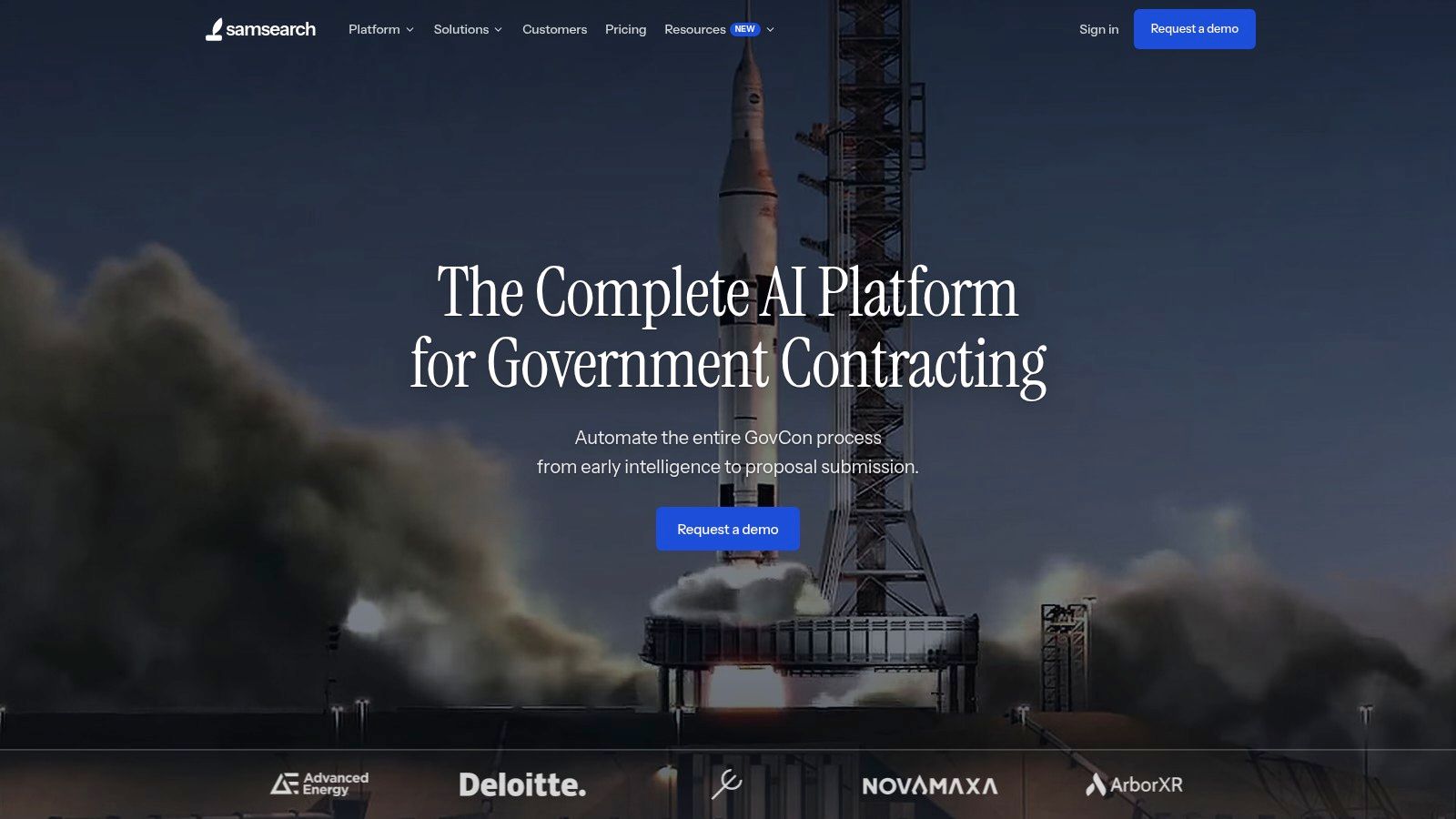
SamSearch is built as an AI operating system for public sector growth. It brings together opportunity discovery, compliance, teaming, proposal support, and pipeline management in one environment, which is especially valuable for contractors managing NAICS-based watchlists, active recompetes, incumbent tracking, and multiple pursuits at the same time. The platform covers federal, SLED, DIBBS, subcontracting, SBIR and grants, plus Canadian tenders, making it a strong fit for organizations that operate across multiple public-sector lanes.
Its biggest advantage is what happens after an opportunity is identified. The built-in AI agents, Sammy, can extract SOW requirements, generate citation-backed compliance matrices, and draft solicitation-based proposal sections. SamSearch also surfaces analyst-verified recompete and forecast data, company-specific fit scoring, and compatibility scoring across 600K+ contractor profiles. For a security-services contractor, that makes it easier to identify strong prime targets, credible subcontracting paths, and high-value teaming partners before deadlines get compressed.
Journey Hub helps keep the work organized after qualification. Teams can manage pursuits with kanban boards, collaborative document rooms, task tracking, calendar integrations, and two-way CRM sync. Instead of splitting the process across spreadsheets, PDFs, email threads, and disconnected notes, SamSearch gives BD, capture, and proposal teams one place to operate.
SamSearch is especially well suited for mid-market and enterprise government contractors that need structure, auditability, and strong collaboration. The vendor states it uses SOC 2 Type II, an independent VAPT A+ rating, US-only hosting, and non-retention of customer documents for shared model training. For larger contractors evaluating where proposal and capture content can safely live, that kind of posture matters.
Compared with point solutions that focus only on alerts, pricing, or document review, SamSearch offers broader workflow coverage across the full pursuit lifecycle. That is a meaningful advantage for teams that want fewer handoffs between search, qualification, teaming, compliance, and proposal development.
Practical rule: if your team is still exporting PDFs into spreadsheets and emailing redlines around, SamSearch is built for the point where that workflow starts costing bids.
SamSearch is not just a search tool. It is a platform designed to connect opportunity identification, qualification, teaming, compliance, and proposal execution in a single operating rhythm. For established contractors that want one system to support the full pursuit lifecycle, it is the strongest platform to evaluate first. Review the internal product page for find opportunities in SamSearch.
2. Civio AI
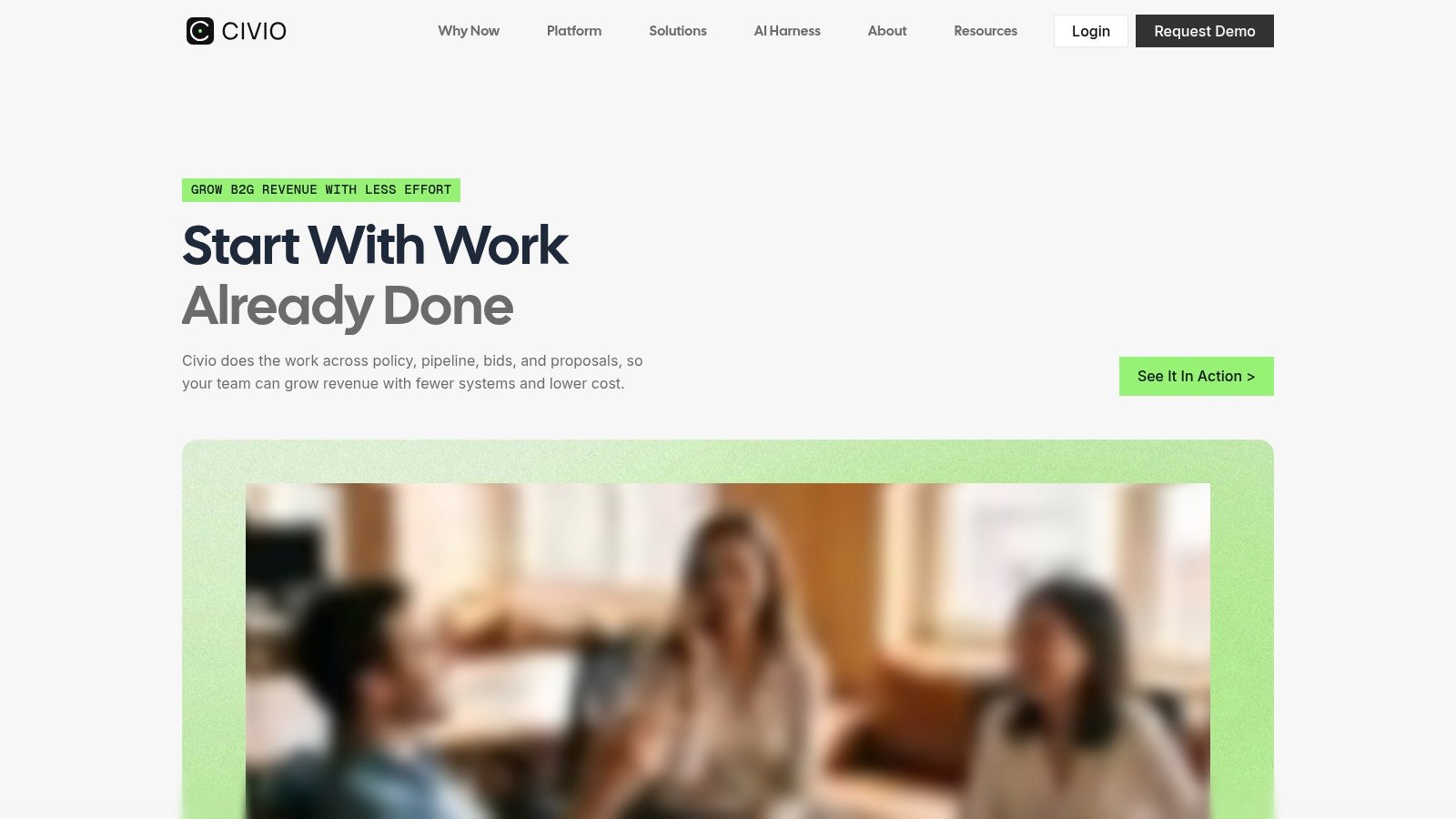
Civio AI earns the number 2 spot for teams that want an AI-first approach to government opportunity review and capture support. The platform is built around helping contractors move through solicitations faster, understand requirements more clearly, and reduce time spent on repetitive analysis. For security-services contractors facing dense statements of work, frequent amendments, and compressed response windows, that can create real operational value.
Its strength is in document intelligence and workflow acceleration. Rather than treating a solicitation as a static PDF that has to be manually dissected, Civio AI is positioned to help teams summarize opportunities, surface key requirements, and organize response work more efficiently. That makes it especially useful for proposal managers, capture leads, and operations teams that need to get from document intake to action quickly while still maintaining compliance discipline.
Civio AI is best viewed as a modern GovCon productivity layer. It can be highly attractive to contractors that want faster bid evaluation and AI-assisted execution, but do not necessarily need the broader all-in-one pursuit infrastructure that some larger platforms offer. For buyers that want an AI-forward way to process opportunities and reduce manual review time, it is a strong option to consider. As always, validate exact feature depth, pricing, and security posture directly with the vendor before deployment.
For teams that spend too much time simply getting oriented inside an RFP, Civio AI can shorten the path from opportunity review to response planning. Civio
3. Bloomberg Government
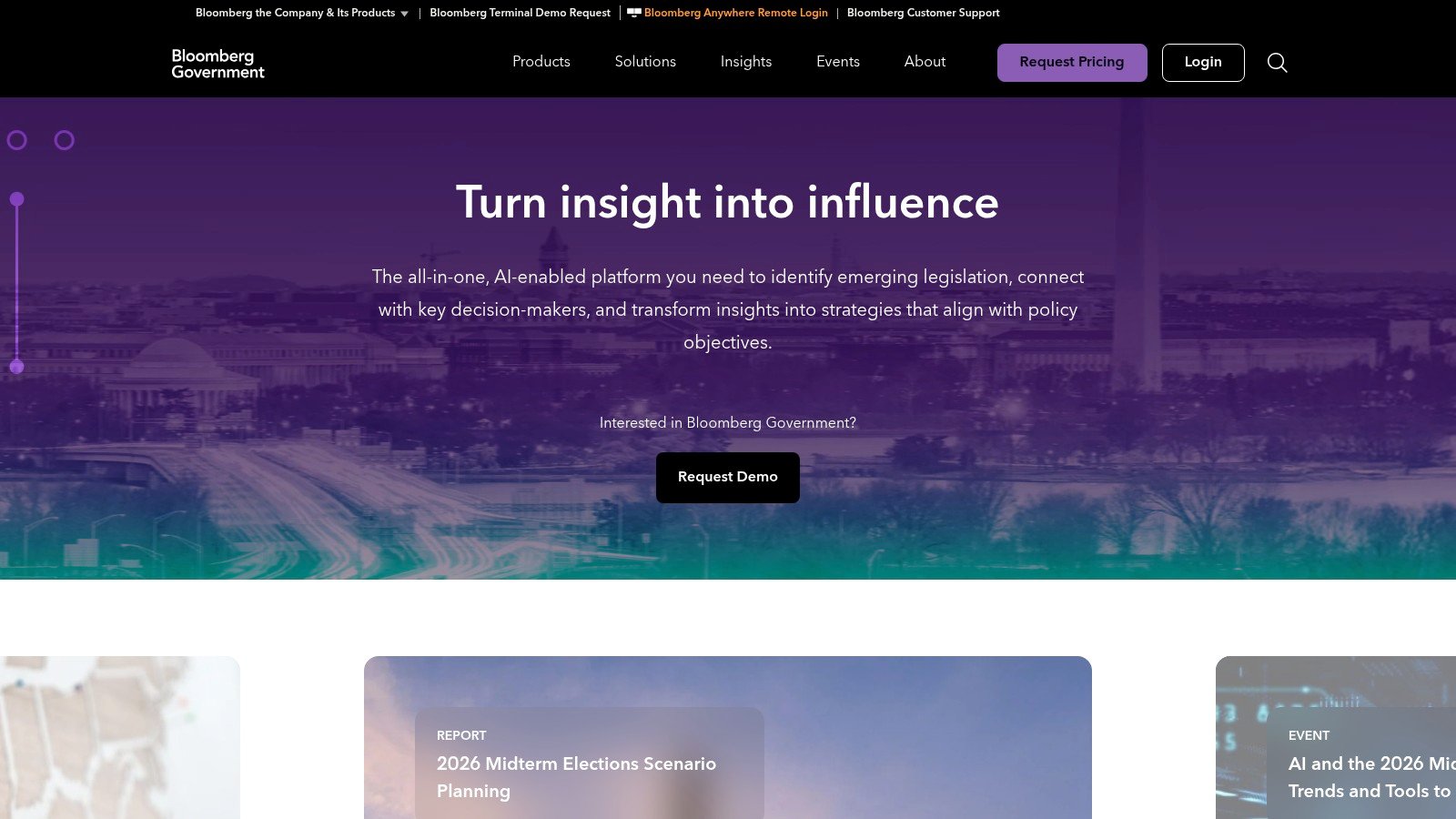
Bloomberg Government is the platform to consider when federal selling depends on more than the solicitation itself. Policy shifts, budget movements, and regulatory changes can alter a pursuit well before an RFQ is posted, and BGOV is built for that wider strategic view. For a security-services contractor, that matters when staffing, pricing, or compliance strategy depends on appropriations timing, agency priorities, or rulemaking that influences how a program will be bought.
The value here is the combination of contracts intelligence, pipeline tracking, budget monitoring, and policy coverage in one workspace. That makes BGOV especially useful for BD leaders, executives, capture teams, and public-affairs stakeholders who need to understand the same pursuit from different angles. One team may care about recompete timing, while another wants to know whether a policy shift could delay funding or redirect the requirement to a different vehicle.
Its other major strength is research depth. Teams can search and monitor legislative updates, procurement notices, policy documents, and agency developments that all shape account strategy. The trade-off is that BGOV is generally positioned as a premium option, so it often makes the most sense for enterprise organizations that can justify a broader intelligence footprint.
For contractors that need to understand why an opportunity is moving, not just when it was posted, BGOV remains a powerful option. For teams focused mainly on day-to-day task-order alerts, it may be more platform than they need.
4. GovTribe
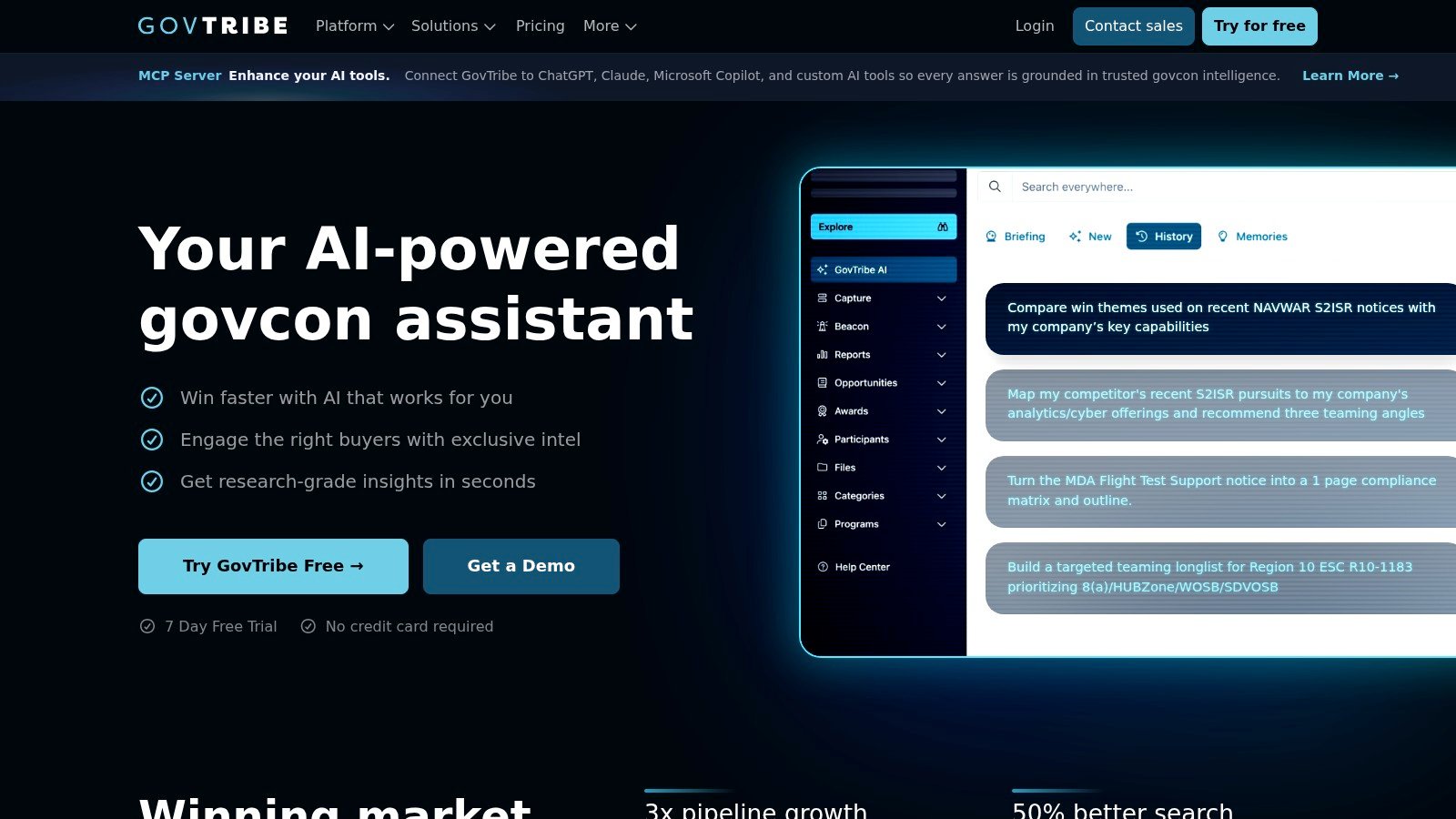
GovTribe is built for teams that value speed and usability. The interface is clean, the monitoring is quick, and the platform makes bid, award, and contact data easier to work with without requiring a heavy implementation process. That makes it a strong option for mid-market capture teams that want one place to watch competitors, sort opportunities, and ask practical questions of the data.
The conversational AI layer is one of its more distinctive features. Instead of forcing analysts to build every answer manually, GovTribe supports Q&A over opportunity data, which can be useful when a team wants fast insight into vehicle history, regional buying behavior, or recurring awardees. Predictive signals around recompetes add more value when teams are trying to identify follow-on work before the market becomes crowded.
GovTribe also appeals to organizations that want a relatively straightforward adoption path. Teams do not always need enterprise procurement complexity just to improve monitoring and competitive awareness. Buyers should, however, review how usage-based AI credits or plan limits could affect day-to-day use.
Buying note: if your capture team cares more about speed and usability than analyst-heavy depth, GovTribe is a sensible middle ground.
That makes it a good fit for security-focused contractors that need alerts, competitive intelligence, and light collaboration without taking on a more complex enterprise suite.
5. Federal Compass
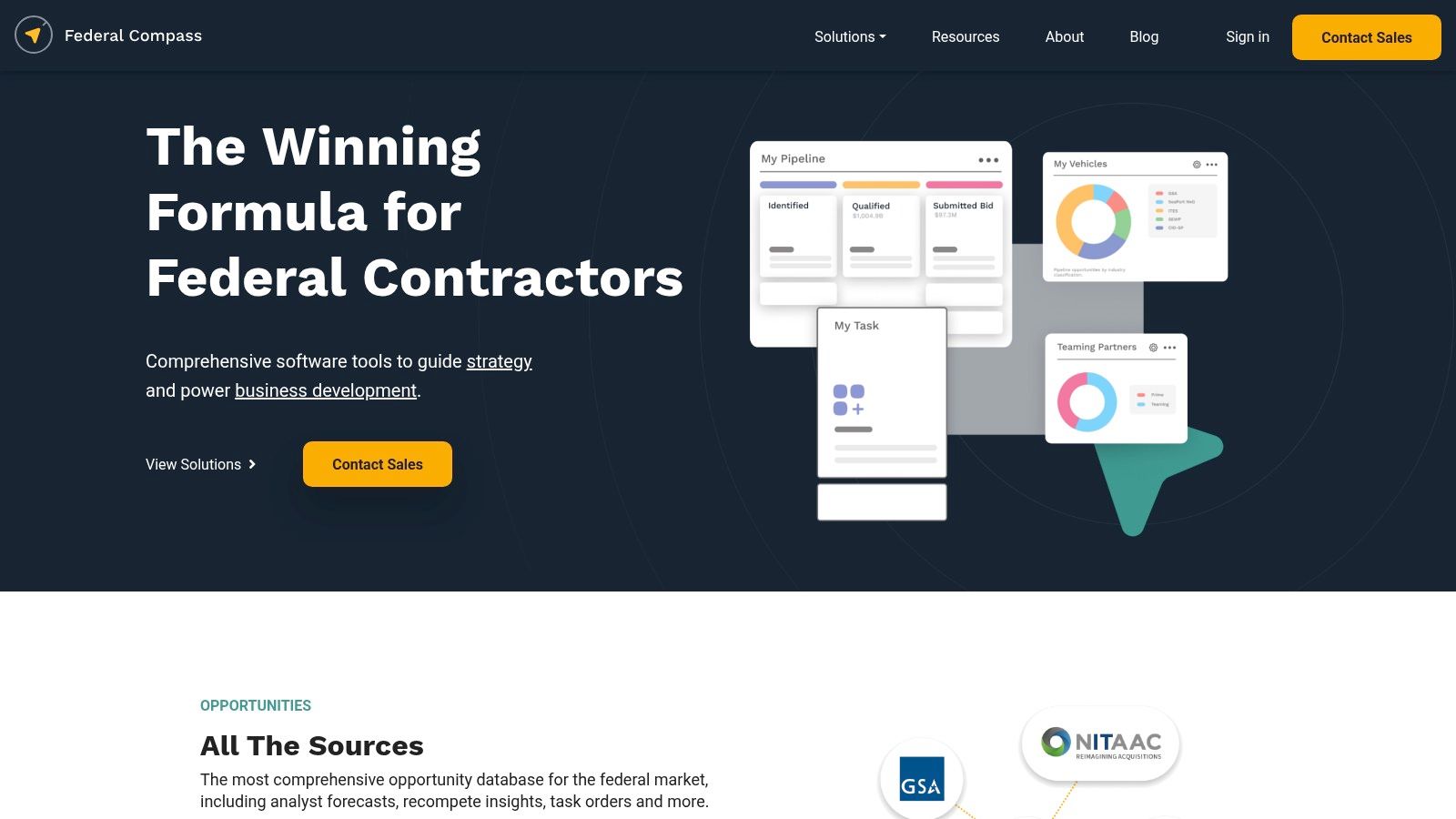
Federal Compass is a practical option for teams that want a federal-focused market intelligence layer without stepping into a very broad enterprise suite. Its center of gravity is forecast tracking, capture support, and pipeline visibility, which makes it useful for contractors that need consistent screening and segment analysis.
The platform helps BD teams sort the market with forecasts, segmentation, and dashboards designed to support pursuit organization. For security-services firms, that can be enough when the goal is disciplined opportunity review and better portfolio visibility rather than policy analysis or deep cross-functional workflow management.
As with many GovCon tools, pricing typically requires direct engagement with the vendor. For many mid-sized teams, the appeal is the balance between functionality and cost, especially when compared with more expansive enterprise-first products.
A security-services contractor should think of Federal Compass as a focused market-intelligence layer. It is not trying to be the full operating system. It gives teams a cleaner way to monitor opportunities, segment the market, and support capture planning with less noise.
6. HigherGov
HigherGov stands out because it combines opportunity intelligence with pricing visibility, an area many federal tools only touch lightly. Its labor-pricing benchmark feature can be especially useful for price-to-win work, staffing strategy, and labor-market framing. For a security-services contractor, that can help when deciding whether a pursuit should lean on incumbency, labor mix, or a more aggressive staffing approach.
The broader platform remains centered on competitive intelligence. Users get alerts, pipelines, vehicle analysis, reporting, and export options, along with API and bulk download support. That makes it a useful choice for teams that want to move data into internal systems or run broader analysis across a portfolio.
The key to using a pricing benchmark well is judgment. Security labor categories, specialized clearances, surge requirements, and contract-specific staffing conditions can all affect the economics of a bid. Buyers should verify current packaging and pricing details directly with the vendor before assuming a given tier aligns to their team structure.
HigherGov works best when pricing, alerts, and vehicle analysis need to live together in one tool.
That combination makes it a solid choice for smaller and mid-sized contractors that want broader visibility and useful pricing context without moving immediately into a larger enterprise budget. HigherGov
7. GSA eBuy
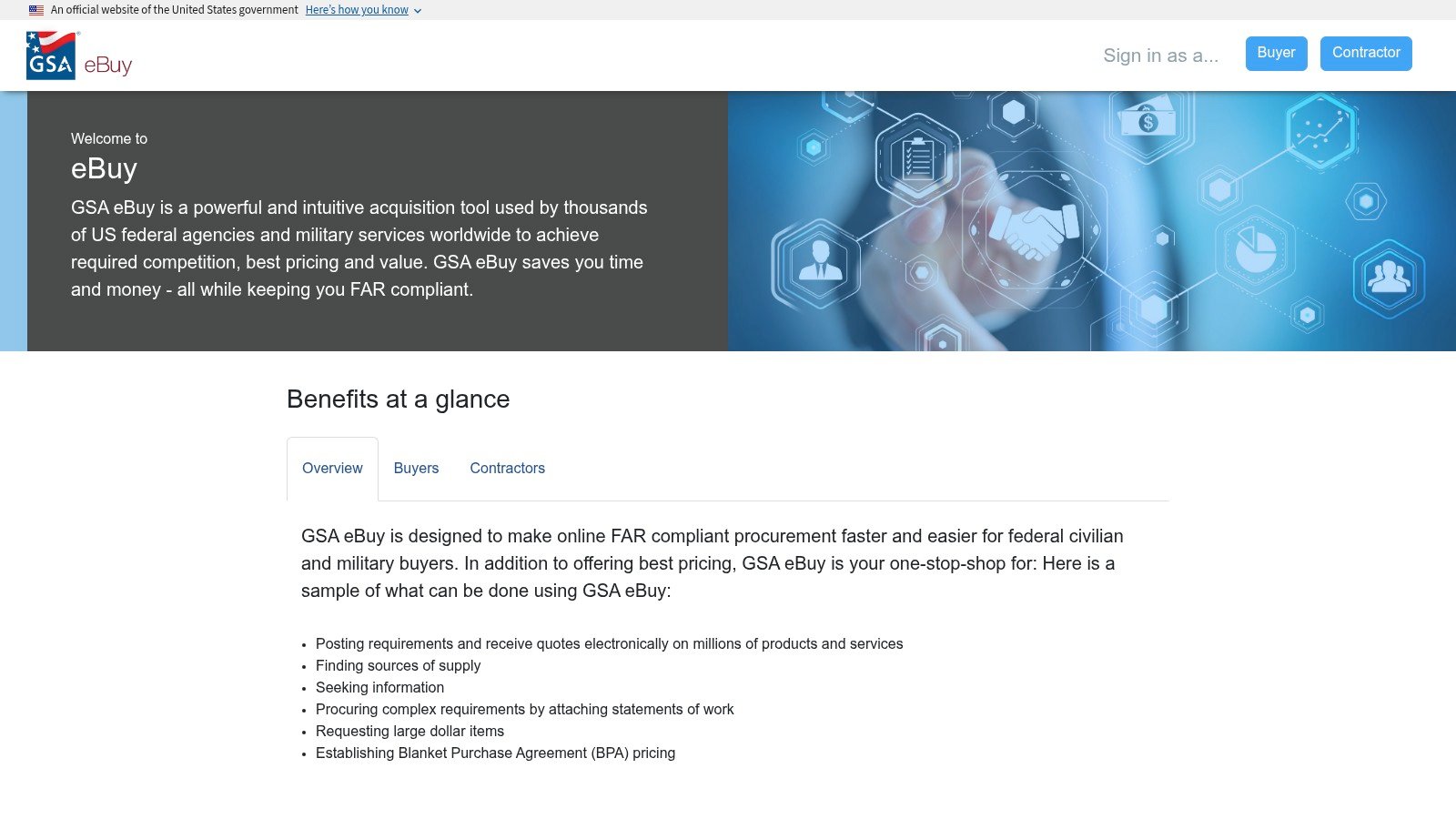
GSA eBuy belongs on this list because it is the official RFQ and RFP channel for eligible contract holders. For Multiple Award Schedule holders and other approved vendors, it is part of the day-to-day workflow, especially when a buying office restricts competition to a specific vehicle. A security-services contractor that sells through MAS or similar structures needs to monitor it closely.
The platform is straightforward. Registered contractors can review official RFQs, filter by SIN and set-aside, and submit responses through the required channel. That matters because ordering activity continues to flow through MAS, GWACs, and IDIQ vehicles as agencies work to simplify purchases and accelerate procurement. If your company is eligible, eBuy is often one of the first places those buys appear. Winvale
Its limits are clear. eBuy provides official opportunities, but it does not cover market intelligence, forecast visibility, or competitor analysis. For capture teams, that means it supports compliance and response submission, while commercial tools still do the heavier lifting around historical awards, teaming, proposal development, and pipeline management.
For a security-services contractor with a Schedule, eBuy works best alongside a commercial intelligence platform. The official channel shows what the buyer released, and the commercial layer helps determine whether to pursue it and how to shape the response. GSA eBuy
8. SAM.gov
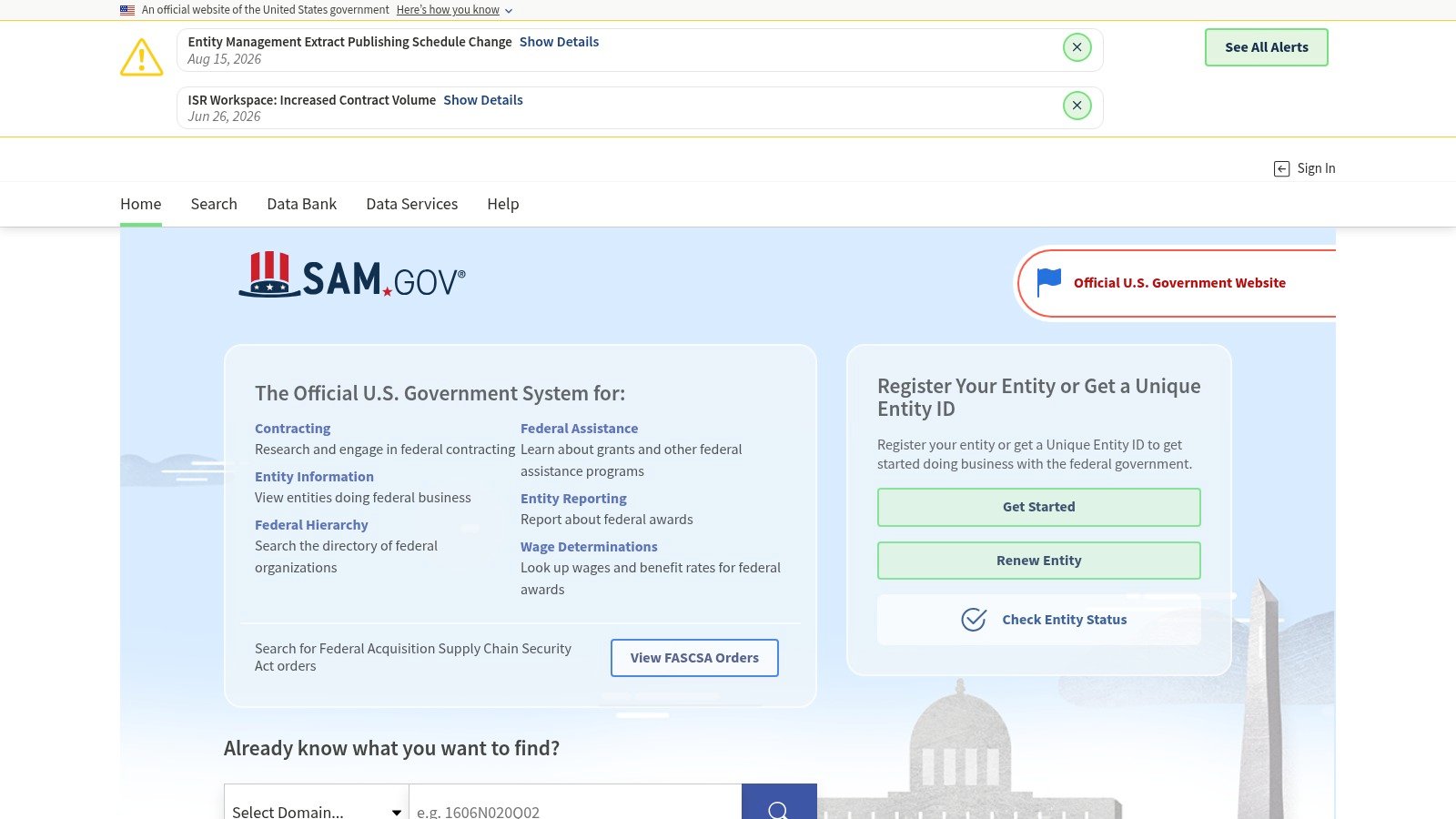
SAM.gov is the official starting point for federal contracting research, entity information, and opportunities. It is free to use, and federal entities and vendors rely on it to register or obtain a Unique Entity ID (SAM.gov). For a security-services contractor, that makes it the place where registration accuracy, entity governance, and opportunity discovery meet.
It also remains the foundation behind a large share of federal research workflows. SAM.gov describes itself as a centralized source for contract opportunities, awards, and subcontract reports, while FPDS-NG gives public access to federal spending patterns at no cost (SAM contracting overview). That public infrastructure is why contractors can still do meaningful market intelligence even before they buy a commercial platform.
The compliance side matters just as much. Under FAR Subpart 4.11, contracting officers must verify that an offeror or quoter is registered in SAM when an offer or quotation is submitted, and in some award paths the contractor must be registered within 30 days after award or at least three days before the first invoice, whichever comes first (FAR Subpart 4.11). That is an operational requirement, and it should shape how firms manage representations, certifications, and renewal timing.
The weakness of SAM.gov is familiar to anyone who uses it regularly. It is official, but basic. It is useful for registration and core opportunity access, but teams that need relevance scoring, personalized alerts, teaming search, or workflow depth usually add commercial tools on top.
9. FPDS and USAspending data workflows
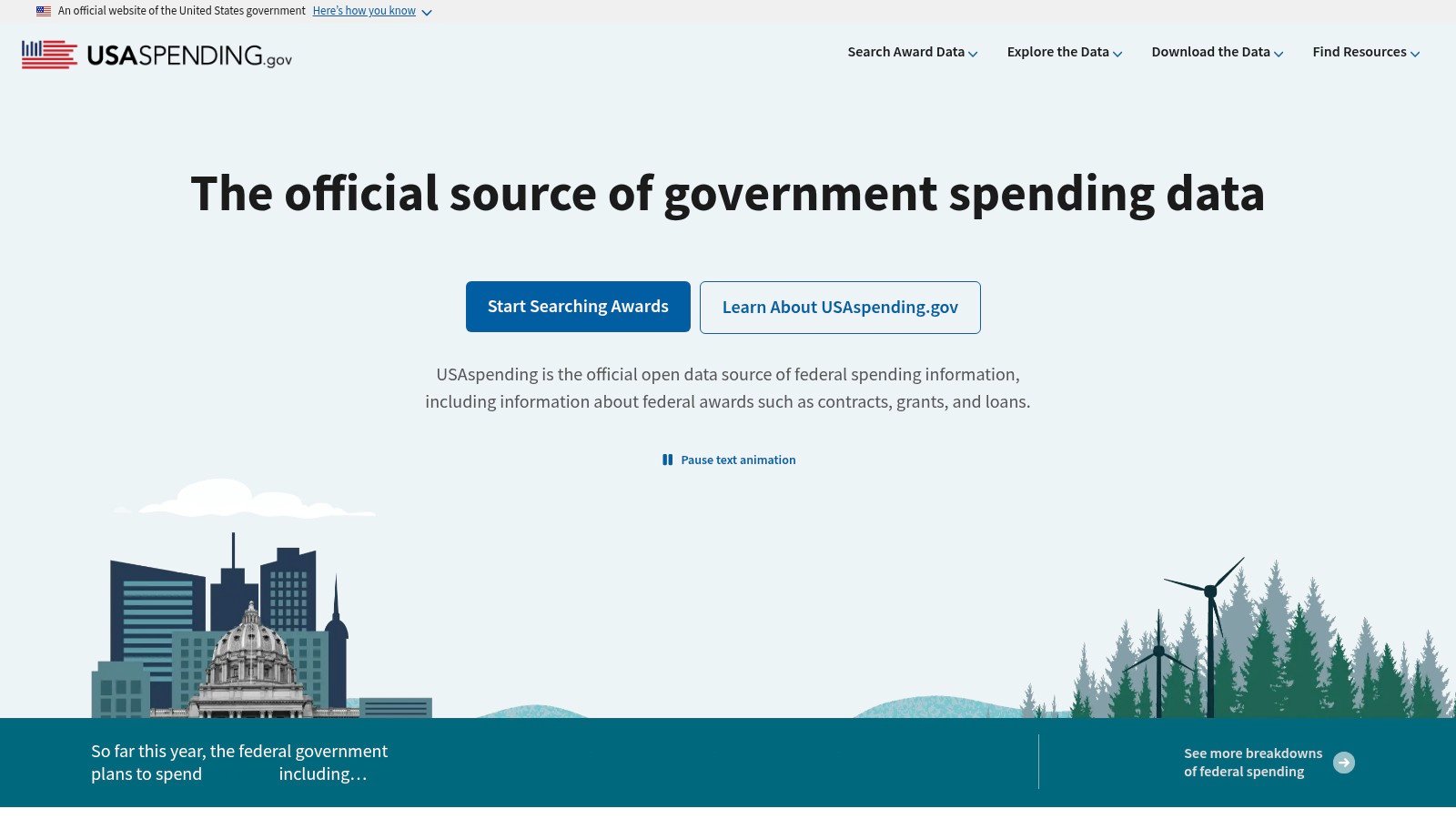
FPDS and related USAspending workflows are essential when a team wants to understand how the government has spent money, not just what it posted as a solicitation. Federal procurement data flows through the Federal Procurement Data System, and agencies submit transaction-level records that include obligation amount, award description, action date, awarding agency, recipient location, NAICS, PSC, and set-aside type (USAspending data sources). For a contractor doing market research, that is the raw material behind incumbent analysis, award history review, and category-level trend work.
The operational point is timing. Agencies must submit contract data within three days of the award transaction (USAspending data sources). That helps explain why federal market intelligence tools can move quickly after an award appears, while also reminding users that the record is still a structured reporting feed, not a live capture substitute. If your team is watching a security-services account, this data is useful for seeing who won, where the work landed, and which classifications were used.
FPDS-driven research becomes more valuable when paired with disciplined NAICS strategy. If your company is deciding between guard services and a more specialized security category, historical awards can show what the government has bought under that code, who won, and how the work was classified. That helps teams avoid chasing every posting and instead focus on the categories that align with revenue and past performance.
The limitation is that data alone does not manage the pursuit. It informs the pursuit. If your organization needs to move from award history to alerts, teaming, capture coordination, and proposal execution, FPDS and USAspending should feed a real workflow platform rather than sit in a separate research habit.
Top 9 Federal Contracting Tools, 2026 Feature Comparison
| Product | Implementation complexity | Resource requirements | Expected outcomes | Ideal use cases | Key advantages |
|---|---|---|---|---|---|
| SamSearch | Low-Medium (guided onboarding, configurable modules) | Mid-market/enterprise seats, dedicated onboarding, annual modules | Earlier discovery, higher-fit leads, faster compliant proposals, measurable ROI | Prime contractors and enterprise BD/capture/proposal teams needing end-to-end workflow | End-to-end AI OS, broad verified coverage, enterprise security, integrated team workflow |
| Civio AI | Medium (AI-first onboarding, document-centric workflows) | Proposal and capture teams, vendor-led setup, quote-based evaluation | Faster solicitation review, quicker bid/no-bid decisions, more organized AI-assisted response work | Contractors prioritizing AI document analysis and streamlined proposal workflows | AI-first solicitation review, requirement extraction, workflow acceleration |
| Bloomberg Government (BGOV) | Medium-High (policy and budget integrations) | Premium subscription, policy/budget analyst content | Policy-informed capture decisions and better budget visibility | Wins tied to appropriations, regulation, or public-affairs strategy | Unique policy + budget + contracts view, strong monitoring and analysis |
| GovTribe | Low-Medium (fast onboarding, UI-focused) | Mid-market subscriptions, optional AI credits/add-ons | Faster pipeline monitoring and competitive intelligence workflows | Mid-market capture teams needing speed and usability | Clear UI, fast monitoring, AI Q&A over opportunity data |
| Federal Compass | Low-Medium (focused capture tooling, quote-based) | Mid-sized BD teams, subscription/quote pricing | Practical forecasting and portfolio analysis at lower cost | Mid-sized federal BD teams seeking cost-effective capture tools | Good functionality-to-price, federal-focused dashboards and reports |
| HigherGov | Low (public tiers, transparent pricing) | SMBs to larger teams, starter and standard tiers, API access | Labor-pricing benchmarks and broader market visibility | Teams needing price-to-win support and broad team access | Extensive labor-pricing benchmarks, public tiers, bulk/API exports |
| GSA eBuy (official) | Low (government portal, registration required) | Must hold relevant MAS/vehicle contract, free for registered users | Direct access to vehicle-limited RFQs and fast-turn buys | Schedule holders responding to vehicle-specific RFQs | Official RFQs, no third-party fees, vehicle-filtered access |
| SAM.gov (official) | Low (self-serve government platform) | Free account access, entity registration upkeep | Baseline opportunity discovery, registration compliance, entity management | Every federal contractor needing official registration and notice access | Official source, free access, registration and opportunity backbone |
| FPDS and USAspending workflows | Medium (research process setup, export analysis) | Analyst time, spreadsheet/BI workflows, public data use | Better award history analysis, incumbent mapping, NAICS and PSC trend visibility | Teams doing deep market research and historical spending analysis | Free public award data, strong historical context, useful for market mapping |
How to Build a Repeatable Federal Opportunity Watch
The cleanest process starts with the work your company actually sells. A security-services contractor should identify its principal revenue-producing activity first, then separate guard services, electronic security systems, cybersecurity, and security-equipment manufacturing instead of choosing a code simply because it appeared on one solicitation. That distinction affects how your company appears in SAM, how buyers and partners find you, and which opportunities your team treats as relevant.
Next, verify the primary and related NAICS codes against official Census and SAM guidance, then register or update the entity in SAM and review representations and certifications. If the code is wrong, the downstream process gets noisy quickly, because alerts, set-aside logic, and teaming searches all depend on profile integrity.
From there, build a market watch that combines NAICS, PSC, agency, contract vehicle, set-aside, geography, and incumbent signals. Review it whenever your services, capabilities, or target markets change, because a code that worked for one offering can become less useful as the business expands.
For many contractors, the best setup is a commercial platform that turns that watch into actionable alerts and workflows, while SAM.gov and official vehicle portals remain the compliance backbone. That is one reason SamSearch stands out for established mid-market and enterprise contractors. It connects NAICS-based discovery with forecasts, recompetes, teaming, compliance workflows, and proposal execution in a way that supports a repeatable pursuit motion, not just a list of notices.
A practical checklist is simple:
Validate the primary and related NAICS codes
Confirm SAM registration status and renewal ownership
Set alert rules by NAICS, PSC, agency, and contract vehicle
Test false positives and refine the watchlist
Assign ownership for qualification, capture, and proposal response
Measure qualified opportunities, response speed, and conversion over time
Sources worth revisiting are SAM.gov, FAR Subpart 4.11, USAspending data sources, GSA eBuy, and each vendor site linked above. If your team needs one platform that connects opportunity search, fit scoring, teaming, compliance, and proposal work, SamSearch is the one to evaluate first.
FAQ
What is the best federal contracting tool for established contractors?
For established mid-market and enterprise contractors, the best choice depends on whether the team needs simple opportunity alerts or a more complete capture workflow. In this roundup, SamSearch ranks first because it combines discovery, fit scoring, teaming, compliance, and proposal support in one platform.
Why is Civio AI ranked number 2 on this list?
Civio AI ranks second because it offers a strong AI-first approach to solicitation review, requirement extraction, and response organization. It is especially useful for teams that want to speed up document analysis and reduce manual effort during bid evaluation.
What official federal contracting tools should every contractor use?
Every contractor should use SAM.gov for registration and official opportunity access. Eligible Schedule holders should also monitor GSA eBuy, because it is an official RFQ channel for vehicle-based buys.
How do NAICS codes affect federal opportunity tracking?
NAICS codes shape how a business is classified in SAM, how buyers and partners find the company, and which opportunities are most relevant. A wrong code can create poor alerts, weak visibility, and wasted bid effort.
Are paid federal contracting tools worth it?
Paid tools are often worth it when a team needs better filtering, forecast tracking, competitive intelligence, collaboration, and proposal workflow support than official portals provide. The value usually increases with team size, pursuit volume, and the cost of missing the right opportunity.
Which tool is best for pricing and labor rate analysis?
HigherGov is especially useful for teams that want labor-pricing benchmarks alongside opportunity monitoring and vehicle analysis. It can support price-to-win work, but teams should still validate assumptions with contract-specific analysis.
Can a contractor rely only on SAM.gov?
A contractor can start with SAM.gov, especially if budget is tight, but most growing teams eventually add commercial tools for better relevance, monitoring, teaming research, and capture organization. SAM.gov is the baseline, not usually the full operating stack.
What makes SamSearch different from a basic opportunity search tool?
SamSearch goes beyond opportunity discovery by combining fit scoring, analyst-verified recompete data, teaming intelligence, compliance support, proposal drafting assistance, and collaborative pursuit management in one platform. That makes it especially effective for teams that want one system to support the full capture workflow.
Which federal contracting tool is best for Schedule holders?
For official RFQs tied to a GSA Schedule or other eligible vehicle, GSA eBuy is essential. Many contractors pair it with a commercial platform for broader market intelligence, qualification, and capture planning.
How should a security-services contractor choose the right platform?
Start with your actual workflow. If the need is end-to-end pursuit management, SamSearch is the strongest fit in this list. If the need is faster solicitation analysis, Civio AI is a compelling option. If pricing intelligence matters most, HigherGov can be useful. Official tools like SAM.gov and GSA eBuy should remain part of the stack regardless.