Faster, Smarter: Why Teams Choose SamSearch Over GovWin IQ (Complete Analysis)
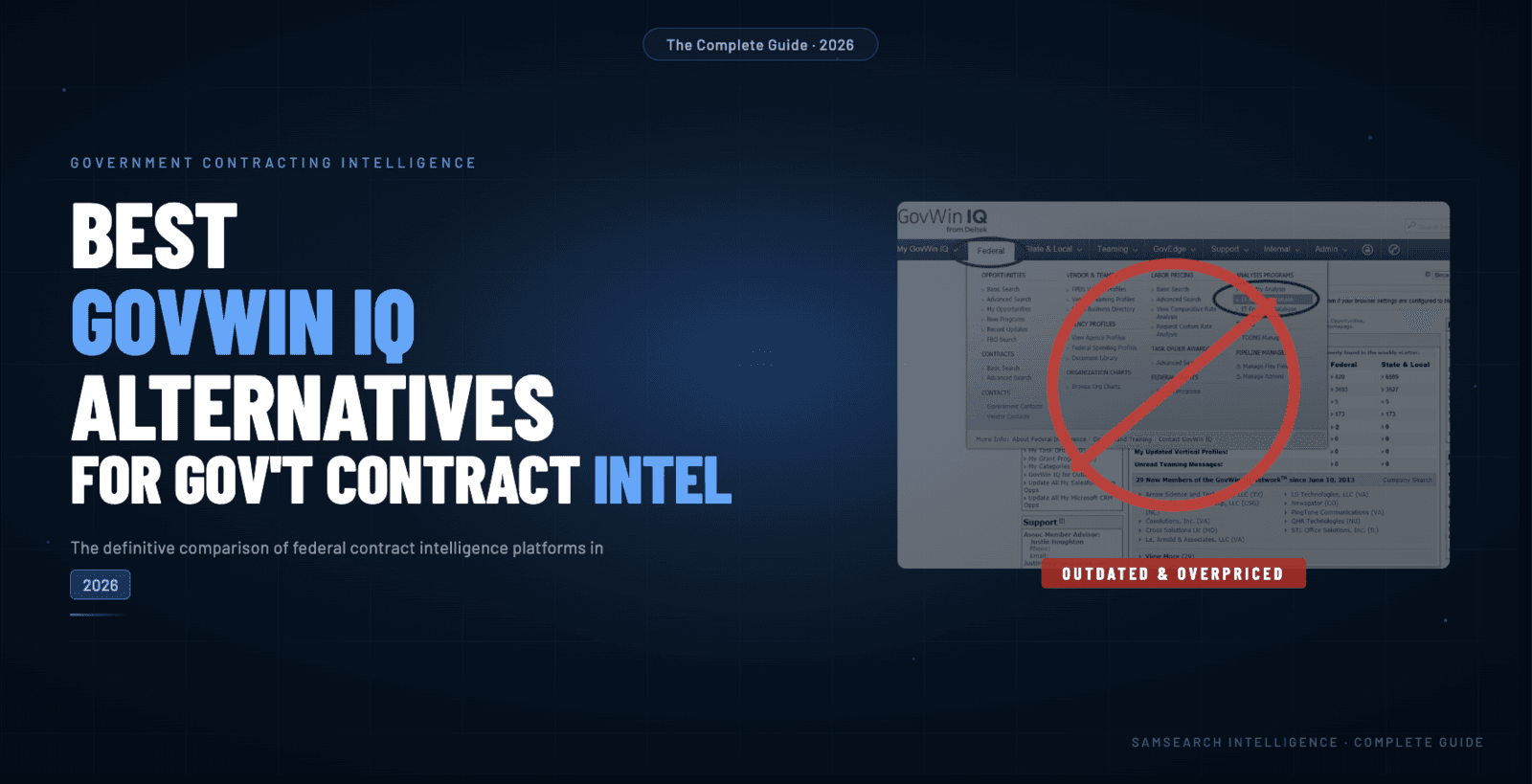
Faster, Smarter: Why Teams Choose SamSearch Over GovWin IQ
The bottom line: For many contractors, SamSearch is faster (natural-language and AI-assisted search vs. manual keyword habits) and smarter (forecasts, AI document help, and Journey Hub–style pipeline management) than legacy federal-first tools. Commercial terms change—talk to our team for current packaging.
1. Speed: AI-assisted discovery vs manual search loops
| Workflow | Typical legacy pattern | SamSearch-style pattern |
|---|---|---|
| Find relevant solicitations | Many saved keywords and tabs | Fewer queries; AI relevance and summaries |
| Scan long RFPs | Read-in-full, highlight by hand | AI-assisted pullouts of dates, CLINs, and risks |
| Monitor markets | Manual inbox triage | Alerts tuned to NAICS, geography, and vehicles |
Exact multipliers depend on your team—we focus on hours returned per week, not slogan-level “90×” claims.
2. Intelligence: forecasts, documents, and capture
GovWin IQ is often used as federal intelligence + search. SamSearch targets teams that want search plus procurement forecasts, AI help on attachments, and a capture/proposal path in one workflow.
What to validate on a demo:
- Do you need SLED and grants alongside federal?
- Do you want pipeline boards without exporting to generic CRMs?
- Do you want AI proposal scaffolding instead of copy/paste-only workflows?
3. Coverage and workflow fit
| Dimension | Federal-first legacy tools | SamSearch positioning |
|---|---|---|
| Geography | Strong federal datasets | Federal + SLED + related channels (confirm on demo) |
| Teaming | Varies | Prime/sub discovery features—validate against your sector |
| Proposal | Often external | Built-in AI drafting assistance (human review still required) |
4. Migration guide (vendor-agnostic)
Week 1: Setup & testing
- Book access with our team and mirror your must-have saved searches
- Run parallel lookups on the same agencies / NAICS / states
- Compare alert noise vs signal with your capture lead
Week 2: Deep dive
- Move a pilot pipeline into Journey Hub
- Generate a few AI outline drafts for real pursuits (redact as needed)
- Run forecasts for your core customers
Week 3–4: Rollout decision
- Train the broader BD team on the new rhythm
- Decide cutover dates with finance and IT
- Retire redundant tools once leadership signs off
5. FAQ
Q: Will I miss opportunities switching tools?
A: Treat it like any migration: parallel-run, measure coverage on your must-win accounts, then cut over.
Q: Can my whole team use SamSearch?
A: Packaging varies—confirm seat model and SSO needs on a live call.
Q: Is AI “accurate enough” for proposals?
A: AI accelerates drafts; your PMs and reviewers remain accountable for final compliance.
Q: Do we still need GovWin for anything?
A: Some enterprises keep multiple data sources. Your team should decide based on side-by-side evidence—not slogans.
Next steps
- Book a demo — Walk your workflows end-to-end
- Read case studies — See how teams changed habits, not just software logos
Your platform should match how you actually pursue work in 2026. If you want AI-native search, broader coverage, and integrated capture, SamSearch is built for that evaluation.