6 Best Government Proposal Management Software
Stop juggling RFPs and start building a repeatable win process. When your team is working through a long solicitation, a compressed deadline, and feedback spread across Word files, email threads, and shared drives, the problem is rarely just writing speed. It is operational control. The best government proposal management software helps contractors find the right opportunities, qualify them early, extract requirements, coordinate contributors, draft faster, and keep reviews moving without losing compliance or version control. For established contractors in mid-market and enterprise GovCon, the strongest platforms go beyond basic AI text generation. They support the broader capture-to-proposal workflow that shapes whether a bid is worth pursuing in the first place.
This guide reviews the top platforms for teams that need stronger opportunity management, proposal collaboration, and compliant production at scale. SamSearch leads the list because it brings together market discovery, capture support, AI-assisted drafting, compliance workflow, and team coordination in one GovCon-focused platform.
Table of Contents
- 1. SamSearch
- 2. Civio
- 3. Deltek GovWin Capture Management
- 4. OneTeam
- 5. XaitPorter With Privia Heritage
- 6. R3 WinCenter
- Honorable Mention: QorusDocs
- Honorable Mention: Expedience Software
- Top Government Proposal Management Software Comparison
- How to Choose the Right Government Proposal Platform
- FAQ
- What is government proposal management software?
- What features matter most in government proposal software?
- Is AI useful for government proposal writing?
- What is the best government proposal management software for GovCon teams?
- How do I choose between a point solution and an end-to-end platform?
- Do government contractors need FedRAMP-authorized proposal software?
- Can small and mid-sized contractors benefit from proposal management software?
- What makes SamSearch different from general proposal tools?
- Can proposal management software help with compliance?
- Should proposal teams choose a Microsoft-native tool or a dedicated GovCon platform?
1. SamSearch
SamSearch stands out because it treats proposal management as part of the full GovCon workflow, not as an isolated writing task. In a category where many tools focus on only one slice of the process, SamSearch brings together opportunity discovery, capture management, AI proposal drafting, compliance support, and cross-team orchestration in a single environment. That matters because many proposal outcomes are shaped well before writing begins, during search, qualification, teaming, and requirement analysis.

SamSearch is especially well suited to established government contractors that need a platform capable of supporting both business development and proposal execution. It spans federal, state, local, defense, GSA eBuy, and subcontracting sources, then matches opportunities to company capabilities so teams can focus on the most relevant work. It also supports AI-assisted requirement extraction, executive summaries, Q&A, and section-by-section drafting through Sammy, which helps proposal managers move faster through large, complex solicitations.
Practical rule: if your team still copies requirements into spreadsheets, you are paying a hidden tax in every bid cycle.
The deeper value is workflow alignment. SamSearch helps capture and proposal teams stay connected through tools like Journey Hub, kanban boards, saved searches, market watches by NAICS or PSC, and partner discovery with compatibility scoring. That design reflects how mature GovCon teams actually operate, with pursuit decisions, teaming strategy, and proposal development all influencing one another.
For buyers evaluating the market, this external comparison offers useful category context: 2026 government proposal software comparison.
Why SamSearch leads this category
SamSearch earns the top spot because it supports the complete path from opportunity identification to proposal submission, while keeping the experience grounded in government contracting realities. Instead of forcing teams to stitch together multiple tools for search, capture, drafting, and coordination, it gives them one system built around the way GovCon work actually moves.
Teams that want to improve bid quality without adding process friction will find SamSearch especially compelling. It helps centralize opportunity visibility, shorten the path from solicitation review to draft development, and keep contributors working from the same priorities and source material.
Website: SamSearch
2. Civio
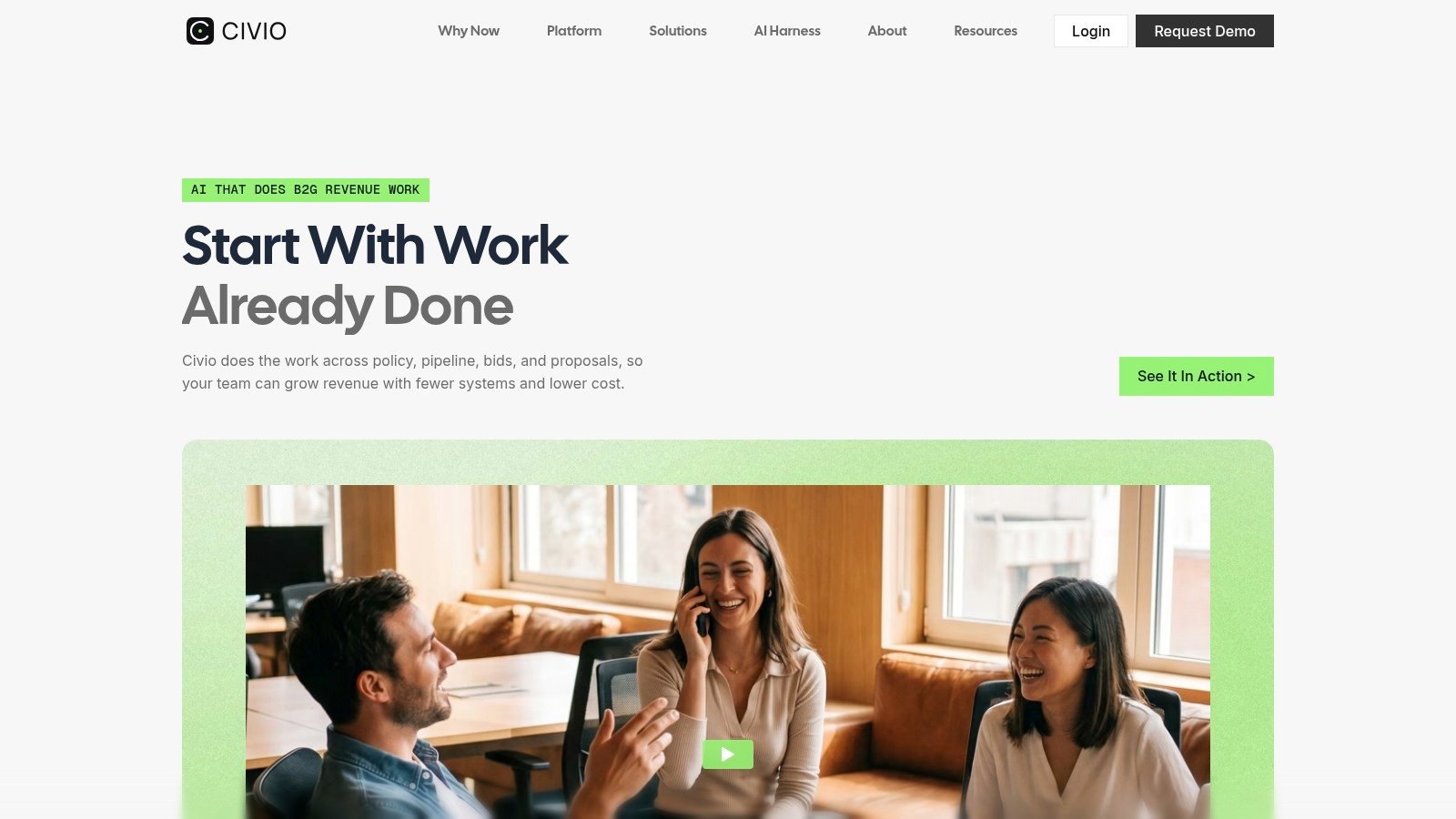
Civio is a strong option for teams that want AI-assisted proposal development with a modern interface and a workflow designed around faster response production. Its positioning is especially relevant for contractors that need help turning complex solicitation material into structured draft content without relying entirely on manual first-pass writing. For teams trying to accelerate production quality while reducing repetitive proposal work, that can be a meaningful advantage.
Civio fits organizations that want proposal support centered on efficiency, collaboration, and AI-guided drafting. It is particularly appealing when proposal teams are looking for a more streamlined experience and want software that helps reduce the time between solicitation review and workable draft generation. In that sense, Civio can play well as a proposal acceleration layer inside a broader GovCon process.
The main consideration is scope. Teams should evaluate how well Civio fits their upstream capture, opportunity qualification, and broader bid management needs, especially if they want one platform to support the full lifecycle rather than proposal production alone. For organizations focused heavily on improving proposal throughput and leveraging AI in the drafting phase, it is a noteworthy platform to review.
Website: Civio
Where Civio fits best
Civio is best suited to teams that want modern AI proposal support and a faster path from raw solicitation content to organized response development.
3. Deltek GovWin Capture Management
Deltek GovWin Capture Management is a familiar choice for contractors that already operate inside the Deltek ecosystem and want capture, teaming, and proposal records connected under one umbrella. It fits organizations that need native proposal records, merge templates into Word or InDesign, and support for formats like SF-254, SF-255, and SF-330, especially when proposal production still revolves around established Office workflows.
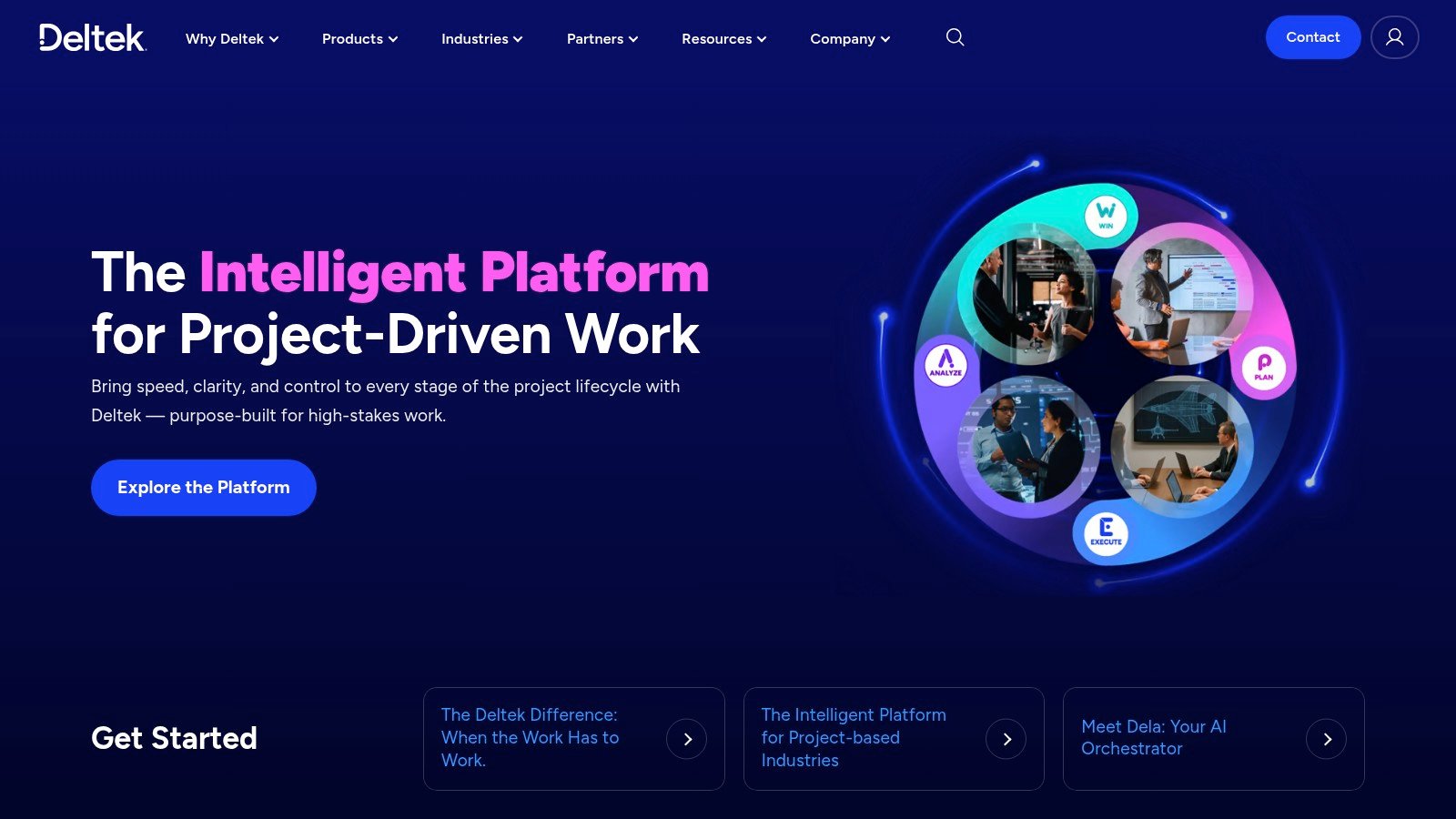
If your company already relies on Costpoint or Vantagepoint, the integration story is an important strength. For buyers comparing GovCon stacks, one useful adjacent read is this overview of GovWin alternatives and workflow trade-offs, especially if you're deciding whether to stay inside Deltek or move to a broader platform.
Best fit and biggest limitation
Deltek is strongest when capture, proposal, and finance need to stay tightly connected. The platform reduces tool sprawl and keeps records in one system of record, which helps with governance and auditability.
Best for: enterprise contractors that already run Deltek across operations.
Works well when: Office-based proposal production is still your norm.
Watch out for: quote-based pricing and a more traditional enterprise rollout process.
Website: Deltek
4. OneTeam
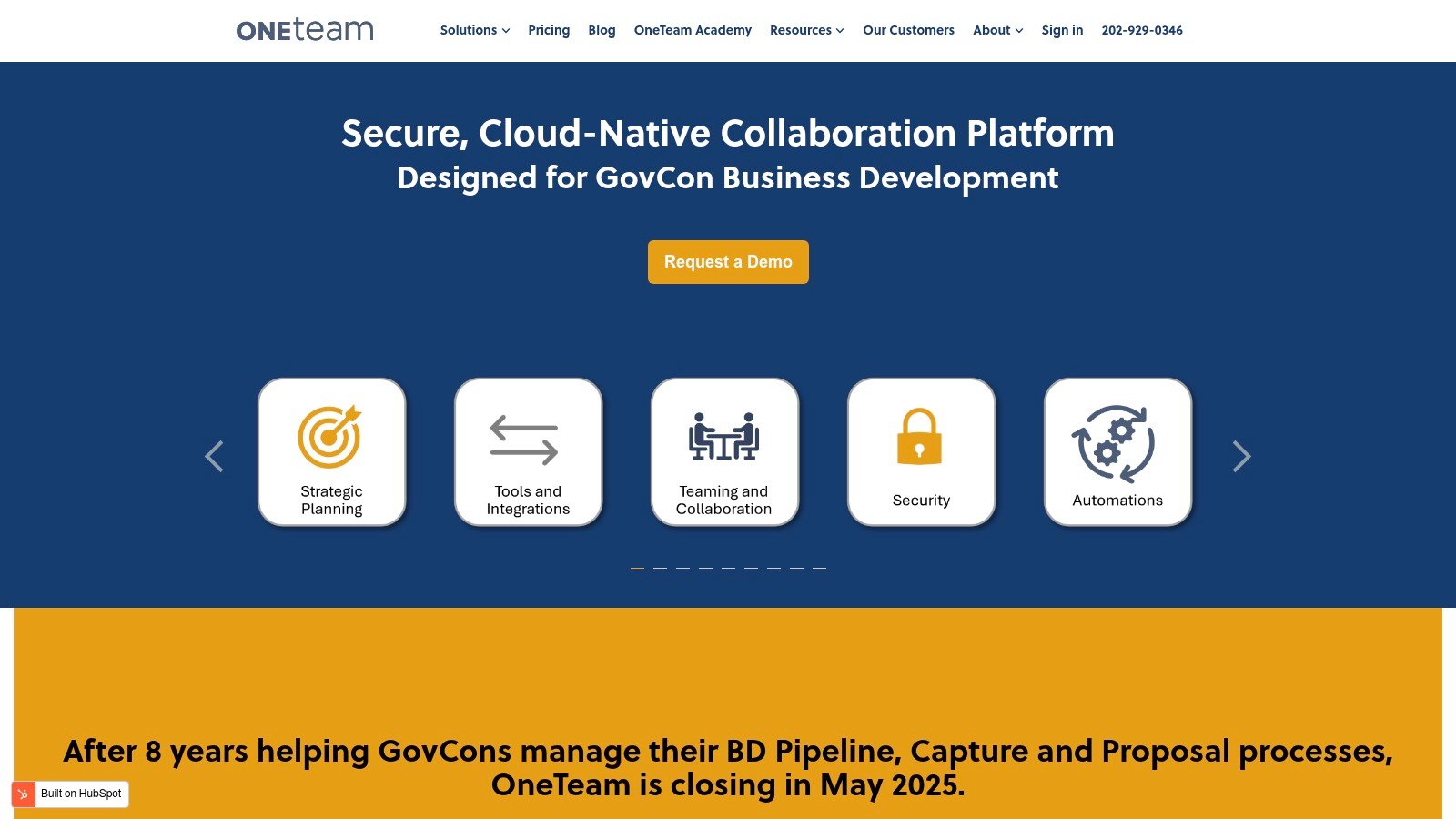
OneTeam is built around the realities of federal proposal work inside Microsoft 365, which makes it appealing to teams that do not want to retrain everyone just to improve proposal control. It supports auto-generating writer packages in Word from annotated RFPs, role-based access for primes and subcontractors, and color-team reviews through a Word add-in. That combination is practical because it keeps drafting inside the environment proposal managers already know.
The security posture also fits public-sector work. OneTeam runs on Microsoft Azure and uses FedRAMP High-authorized cloud infrastructure, which is important for teams handling sensitive federal pursuits. That said, subcontractor role restrictions can require process adjustments, especially if your capture team is used to looser collaboration with partners.
The best use case is straightforward. If your organization wants a GovCon-specific workflow without abandoning Word-centric production, OneTeam reduces customization time and keeps the collaboration model familiar. If your team already has a mature capture CRM elsewhere, OneTeam can sit downstream as the proposal execution layer rather than the system that drives market discovery. For a broader view of capture tools in the market, see this guide to AI capture management platforms.
Expert advice: the more subcontractors you involve, the more carefully you should test role permissions before rollout.
Website: OneTeam
5. XaitPorter With Privia Heritage
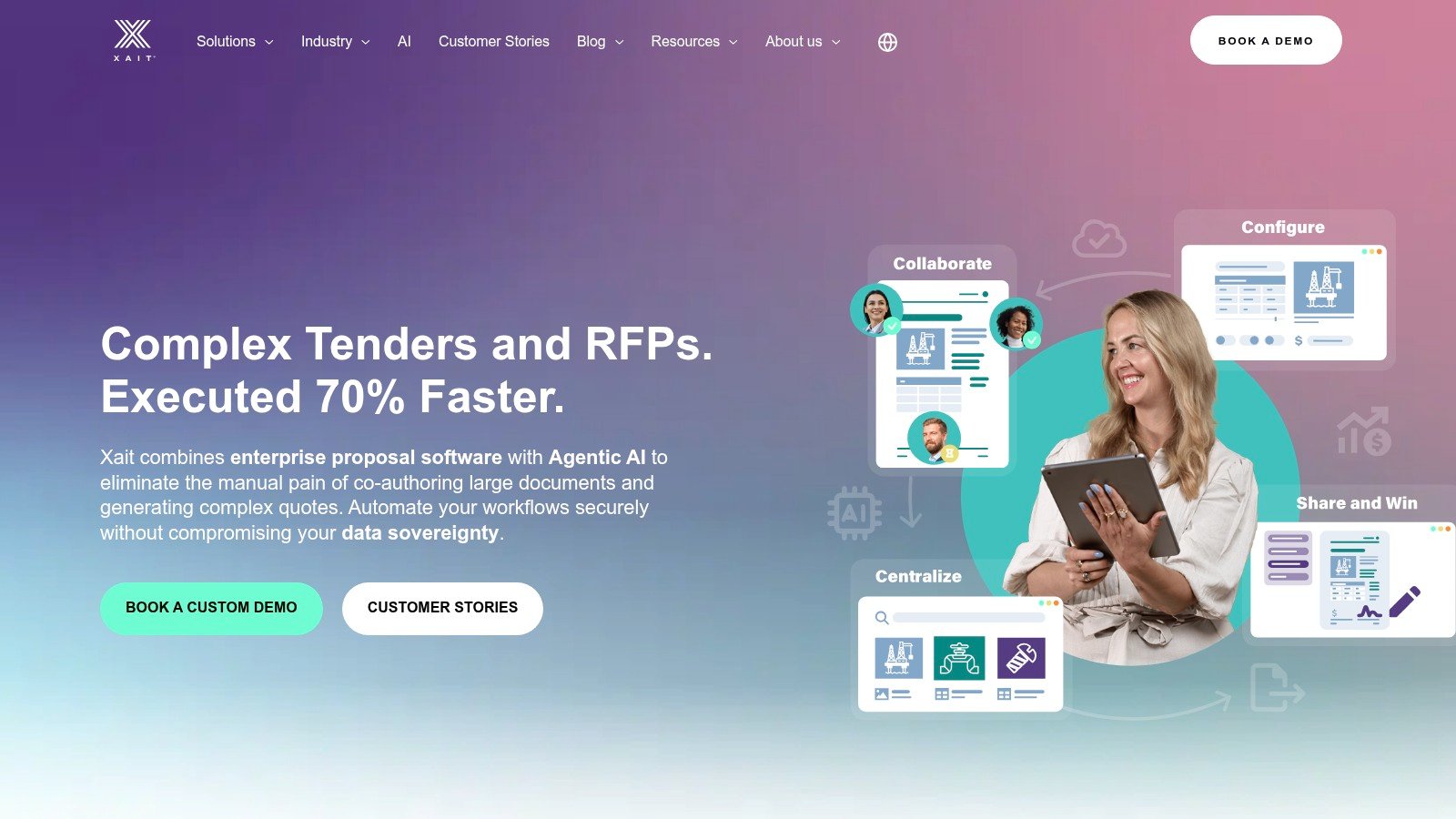
XaitPorter is a strong fit for organizations that need structured multi-author collaboration across complex proposals. Its real-time, permissioned co-authoring model, granular access controls, and version control are designed for highly formatted responses where SMEs, capture leads, pricing teams, and executives all contribute to the same deliverable.
The inherited Privia GovCon collaboration heritage matters because it signals a long-running focus on proposal teamwork, not generic document collaboration. XaitPorter's content library and automated layout and formatting help standardize deliverables, which is useful for large teams that need consistency across bids. For readers evaluating broader automation options, this article on government proposal automation platforms is a useful companion.
Where XaitPorter earns its keep
XaitPorter helps most when formatting discipline matters as much as content quality. It keeps layout, permissions, and collaboration centralized, which lowers the odds of late-stage cleanup work.
Website: Xait
6. R3 WinCenter
R3 WinCenter is a strong fit for contractors that have already standardized on SharePoint and want proposal lifecycle management without introducing another isolated platform. It uses a native SharePoint foundation for document control, permissions, and auditability, then adds capture planning, tasking, governance, and content control on top. For many small and mid-sized GovCon firms, that makes adoption easier because the environment already feels familiar.

The appeal lies in integration. R3 WinCenter connects with Deltek, Salesforce, Costpoint, and other contractor systems, so it can sit inside an existing stack instead of forcing a rip-and-replace strategy. That said, SharePoint-based systems demand governance maturity. If your team has weak site discipline, the platform can become another place where documents pile up without enough structure.
This is a platform for organizations that prefer controlled continuity over reinvention. It can be a good operational choice when your M365 investment is already deep and your users are comfortable in SharePoint. For teams comparing internal tracking approaches, this review of federal opportunity tracking platforms is worth a look.
Practical rule: if your SharePoint governance is messy today, do not expect software alone to clean it up.
Website: R3 Solutions
Honorable Mention: QorusDocs
QorusDocs is built for organizations that want proposal automation inside Microsoft 365 without pushing content outside their tenant. That design choice matters for public-sector suppliers and regulated teams that care about security boundaries, because QPilot works against your document library and live pursuits while keeping AI activity inside the customer environment.

The platform is strong for Word, PowerPoint, and Excel deliverables, which makes it attractive for teams that produce more than narrative text. It also has a Microsoft add-in available through the Microsoft Marketplace, so Office integration feels native rather than bolted on. The caveat is that QorusDocs is not GovCon-specific out of the box. If you need CLIN, Section C-L-M, or federal compliance workflows, you will need configuration.
That is the central trade-off. QorusDocs is a good fit for organizations that want secure, Microsoft-native proposal production and do not need a rigid GovCon operating model baked into the product. It's less compelling if your pain starts with opportunity qualification and capture, because it is more focused on proposal content than upstream pursuit management. For a closer look at AI writing use cases in proposal work, this companion piece on AI for proposal writing is useful.
Best use case
QorusDocs works best when the team already trusts Microsoft 365 governance and wants AI help without moving content into a separate ecosystem.
Website: QorusDocs
Honorable Mention: Expedience Software
Expedience Software is one of the most Word-native options in this group, which makes it appealing to proposal writers who do not want to leave Microsoft Word while adding structure and automation. Its content library, style templates, and fielded building blocks live directly in Word, and that lowers change management almost immediately.

The platform also pairs with Microsoft Copilot for drafting and refinement, which keeps AI assistance inside the Office workflow. The limitation is that Expedience does not provide a native capture CRM, so contractors usually pair it with tools like GovWin, OneTeam, or Salesforce.
That makes Expedience best for organizations that already have a separate pipeline engine and just want stronger proposal production inside Word. It is also a decent fit when your proposal writers care more about local control and minimal process disruption than about unified lifecycle orchestration. For teams still choosing between point solutions and integrated stacks, the broader buying logic is summarized well in this review of government proposal management software.
Practical rule: if your writers live in Word, a Word-native tool can outperform a fancier platform that nobody fully adopts.
Website: Expedience Software
Top Government Proposal Management Software Comparison
| Product | Primary strength | Best fit | Workflow coverage | Collaboration model | Key advantage |
|---|---|---|---|---|---|
| SamSearch | End-to-end GovCon workflow | Mid-market and enterprise government contractors | Discovery, capture, drafting, compliance, partner search, coordination | Shared workflow hub with AI-assisted proposal support | Full lifecycle support in one GovCon-focused platform |
| Civio | AI-assisted proposal acceleration | Teams prioritizing fast draft development and modern proposal workflows | Strong in proposal development and drafting support | Collaborative proposal production with AI assistance | Streamlined path from solicitation review to draft creation |
| Deltek GovWin Capture Management | Deep ecosystem continuity | Enterprise contractors already using Deltek | Capture, proposal records, governance, finance alignment | Structured enterprise recordkeeping | Tight integration with Deltek operations stack |
| OneTeam | Microsoft 365 proposal execution | Federal teams committed to Word-centric workflows | Proposal execution, writer packages, reviews | Word add-in plus role-based collaboration | Familiar M365 environment with GovCon-specific controls |
| XaitPorter | Multi-author control and formatting | Large teams producing complex proposals | Proposal collaboration, content control, formatting | Real-time permissioned co-authoring | Strong version control and layout consistency |
| R3 WinCenter | SharePoint-based lifecycle management | Contractors standardized on SharePoint | Document control, tasking, governance, proposal workflow | SharePoint-native collaboration | Fits existing Microsoft and contractor system investments |
How to Choose the Right Government Proposal Platform
The best proposal platform is not simply the one with the longest feature list. It is the one that solves the earliest and most expensive failure point in your bid process. For some contractors, that is opportunity discovery and qualification. For others, it is requirement extraction, review discipline, content reuse, subcontractor coordination, or security controls.
If your biggest challenge starts before drafting begins, SamSearch is the most complete option in this group because it combines opportunity discovery, capture support, partner search, proposal drafting, and collaboration in one system. If your organization is already standardized on Microsoft 365 or SharePoint, then tools like OneTeam, R3 WinCenter, QorusDocs, and Expedience may fit more naturally into existing habits and governance models.
The right way to evaluate any platform is with a live solicitation, a real internal workflow, and the actual people who will use it. Strong buying guidance also points buyers toward testing extraction accuracy, reviewing how much manual work still remains after rollout, and checking whether the software supports the proposal process you already need to run rather than forcing a disconnected one. Independent guidance on federal proposal management evaluation is a useful reference point.
Security should stay on the shortlist from the start. For federal and defense work involving CUI, ITAR, or classified data, platforms with FedRAMP authorization deserve extra attention, and contractor teams should also look for SOC 2 Type II where applicable. Additional context appears in this overview of federal contractor security guidance.
If you want to see how a full GovCon workflow platform can shorten the path from opportunity discovery to proposal submission, book a demo with SamSearch.
FAQ
What is government proposal management software?
Government proposal management software helps contractors organize the work required to respond to public sector solicitations. Depending on the platform, that can include opportunity discovery, capture planning, requirement extraction, drafting, collaboration, reviews, compliance checks, and final submission support.
What features matter most in government proposal software?
The most important features depend on where your process breaks down. Many contractors prioritize requirement extraction, version control, content reuse, review workflows, subcontractor collaboration, security controls, and integrations with Microsoft 365, SharePoint, CRM, or ERP systems. Teams with a more mature business development motion often also need capture management and partner discovery.
Is AI useful for government proposal writing?
Yes, especially when it is used to speed up repetitive work such as summarizing solicitations, extracting requirements, drafting first-pass content, and helping teams locate reusable material. The best results usually come when AI supports experienced proposal teams rather than trying to replace proposal strategy, solutioning, or compliance review.
What is the best government proposal management software for GovCon teams?
The best choice depends on your workflow, but SamSearch is the strongest fit for teams that want one platform to support opportunity discovery, capture support, AI-assisted drafting, compliance workflow, and proposal collaboration in a GovCon-focused environment. Other tools may fit specific needs better, especially if your team is centered on Microsoft 365, SharePoint, or a broader enterprise stack.
How do I choose between a point solution and an end-to-end platform?
If your team already has strong systems for capture, CRM, and document control, a point solution can improve a specific part of the proposal process without forcing a major workflow change. If your challenges span qualification, capture, drafting, teaming, and review coordination, an end-to-end platform usually creates more operational consistency and less tool switching.
Do government contractors need FedRAMP-authorized proposal software?
Not every contractor needs the same level of authorization, but teams handling sensitive federal work should evaluate cloud environment standards carefully. If your bids involve CUI, defense work, or stricter agency security expectations, FedRAMP posture, data handling practices, access controls, and related certifications should all be part of the evaluation.
Can small and mid-sized contractors benefit from proposal management software?
Yes. Smaller contractors often feel the impact quickly because even modest efficiency gains can free up limited proposal bandwidth. The right platform can help reduce manual coordination, improve reuse of past content, and create a more repeatable bid process without requiring a large proposal operations team.
What makes SamSearch different from general proposal tools?
SamSearch is designed around the full government contracting workflow, not just document drafting. It connects opportunity discovery, capture coordination, partner search, AI-assisted proposal development, and compliance support in one platform, which helps teams reduce handoff friction and manage bids more strategically.
Can proposal management software help with compliance?
Yes. Many teams use proposal software to track requirements, organize response ownership, manage reviews, and reduce the risk of missed instructions or outdated content. Platforms with requirement extraction and structured workflows are especially helpful for complex solicitations.
Should proposal teams choose a Microsoft-native tool or a dedicated GovCon platform?
That depends on your operating model. Microsoft-native tools can be a strong fit when your team already relies heavily on Word, SharePoint, and M365 governance. A dedicated GovCon platform is often the better choice when you need stronger support for capture, opportunity qualification, teaming, and proposal coordination in one place.